Pro
Music Stream
Detect now-playing apps, lyrics, and album-color ambient visuals that breathe with the track.
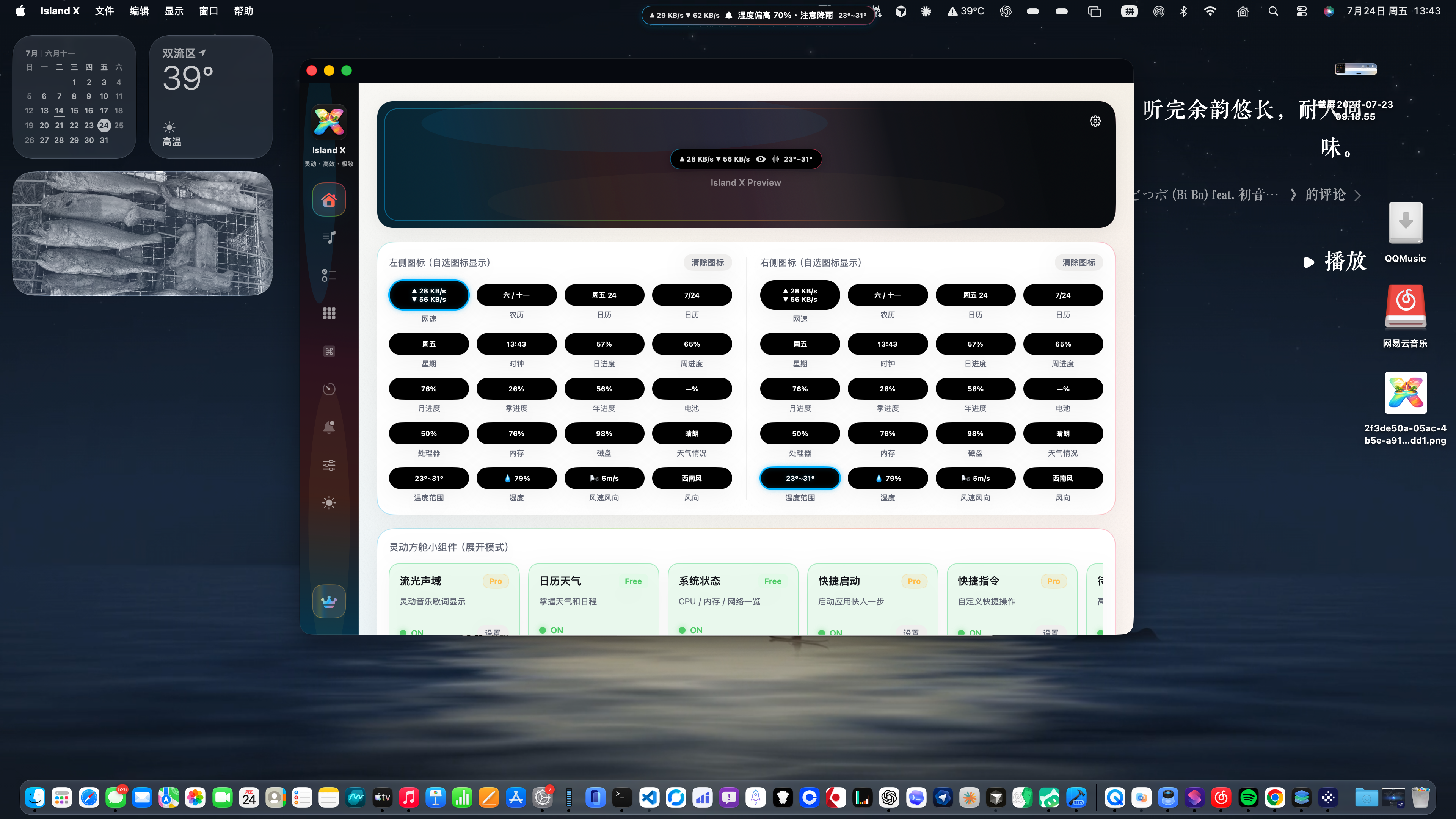
Music Stream elevates now-playing to the top of your focus: Island X reads system media sessions, shows title, artist, and lyrics when available, and paints the island with album-driven color. Control playback without leaving your current app—hover, glance, resume flow.
Free
Calendar & Weather
Open-Meteo weather plus lunar calendar, solar terms, holidays, and countdowns—one glance for the day.
Calendar & Weather compresses “what matters today” into the island: live/forecast weather (Open-Meteo), lunar date, solar terms, public holidays, and custom countdowns. Before travel or long weekends, temperature, rain, and calendar rhythm sit in one hover.
Free
System Monitor
CPU, memory, and disk rings with network speed and battery—spot a hot Mac in one glance.
System Monitor turns the metrics you check most into light island gauges: CPU, memory, and disk rings plus live network throughput and battery/power state. Perfect before a compile, export, or screen share—without opening Activity Monitor.
Pro
App Launcher
Pinned app grid plus Launchpad-style browse—open anything from the notch.
App Launcher pulls “find my app” into the island: pin favorites in a grid or expand a Launchpad-style browser. From fullscreen or deep focus, hover the top edge and launch—less ⌘Space typing, less hunting the Dock.
Pro
Shortcuts
Run macOS Shortcuts in one tap—hang automation on the notch.
The Shortcuts module surfaces your Shortcuts library on the island: trigger scene setups, file tidy scripts, or work rituals without digging through the menu bar. Ideal if you already invest in Apple Shortcuts.
Pro
Todos
Inline capture with Reminders / Calendar two-way sync—check off without leaving flow.
Todos bridge sudden thoughts and calendar commitments: capture inline on the island or sync both ways with macOS Reminders and Calendar. Add and complete in the hover surface so you stop bouncing between Notes, Reminders, and Calendar.